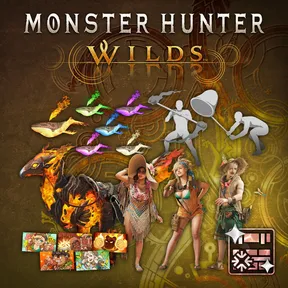
Flamefete DLC Pack
 Xbox Store
 Price Tracker
Track price fluctuations to time your purchase
* We track prices exclusively from official stores to ensure accuracy and reliability
 Related Items
Similar games and editions you may be interested in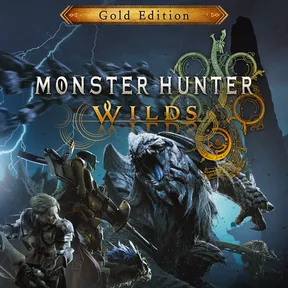
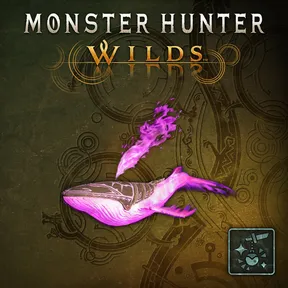
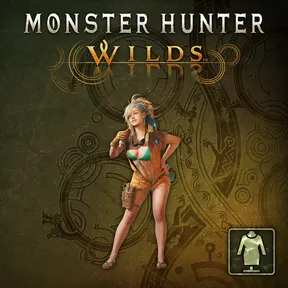
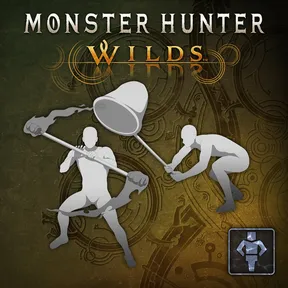
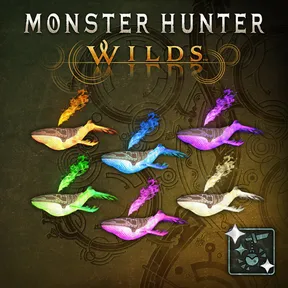
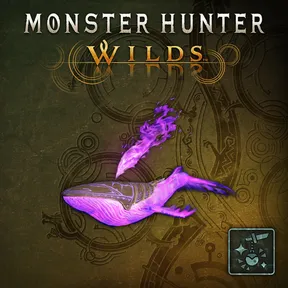
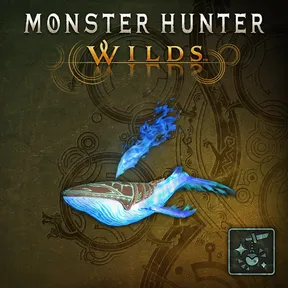
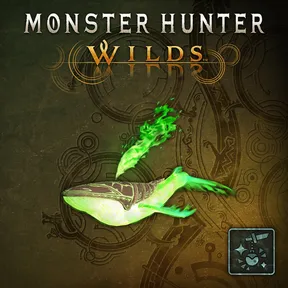
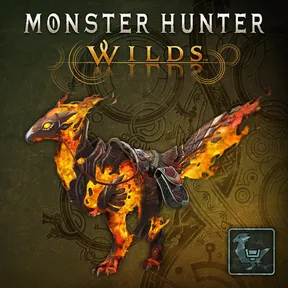
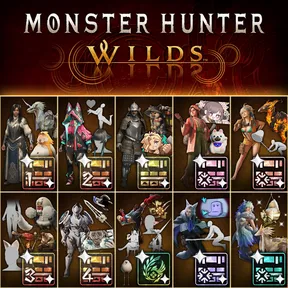
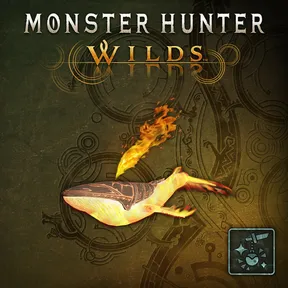
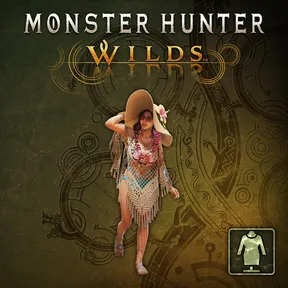
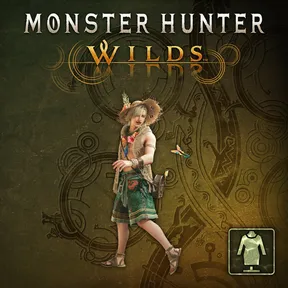
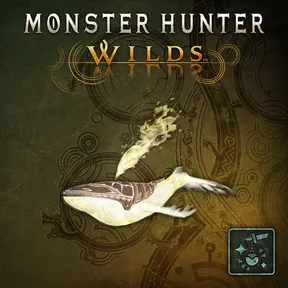



Celebrate the arrival of summer with this pack of communication and cosmetic items! The following content is included: ●Alma Outfit: Summer Poncho ●Seikret Decoration: Phoenix Caparison ●Gemma Outfit: Summer Coveralls ●Erik Outfit: Summer Hat ●Pendant Set Vol. 6 ●Gesture Set Vol. 7 ●Sticker Set: Flamefete *This content can also be obtained separately. Please be careful of duplicate transactions. *You can change outfits by selecting Change Appearance from the Apperance Menu in your tent, then selecting the relevant character. *You can apply Seikret decorations and pendants in the Appearance Menu in your tent. These decorations are cosmetic and do not provide any gameplay benefits. *You can use gestures from the Gestures option in either the Communication or Photo Mode menus. *You can use stickers in the Communication menu. *Use the Edit Shoutouts option in the Stickers Sub-menu to edit the text on a sticker. *You may need to update to the latest version of the game to use this content.